> ## Documentation Index
> Fetch the complete documentation index at: https://docs-dev-feat-docs-5540.mintlify.site/llms.txt
> Use this file to discover all available pages before exploring further.

# エンタープライズ接続を有効にする

> Auth0 Dashboardでアプリケーションのエンタープライズ接続を有効にする方法について説明します。

アプリケーションのエンタープライズ接続は、<Tooltip data-tooltip-id="react-containers-DefinitionTooltip-0" href="/docs/ja-jp/glossary?term=auth0-dashboard" tip="Auth0 Dashboard: サービスを構成するためのAuth0の主製品。" cta="用語集の表示">Auth0 Dashboard</Tooltip>を使って有効にすることができます。有効にするには、エンタープライズ接続がすでにセットアップされていなければなりません。

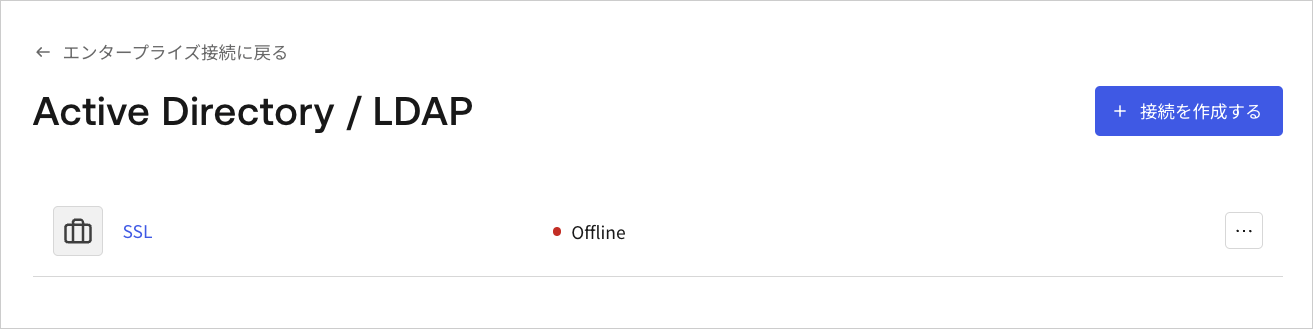
1. [［Auth0 Dashboard］>［Authentication（認証）］>［Enterprise（エンタープライズ）］](https://manage.auth0.com/#/connections/enterprise)に移動し、接続タイプを選択して表示します。
   <Frame>
     <img src="https://mintcdn.com/docs-dev-feat-docs-5540/o_yxn0WhkZmtsk8z/docs/images/ja-jp/cdy7uua7fh8z/1fSTcrZpkgkPR64NnI1lr8/101fc19f62d82b5c7b13d88f3a0a8e96/Enterprise_Connections_-_JP.png?fit=max&auto=format&n=o_yxn0WhkZmtsk8z&q=85&s=1a0a92fcb2f3c3641cf1fb8c1ac5f090" alt="Dashboard - 接続 -エンタープライズ" width="1178" height="1077" data-path="docs/images/ja-jp/cdy7uua7fh8z/1fSTcrZpkgkPR64NnI1lr8/101fc19f62d82b5c7b13d88f3a0a8e96/Enterprise_Connections_-_JP.png" />
   </Frame>

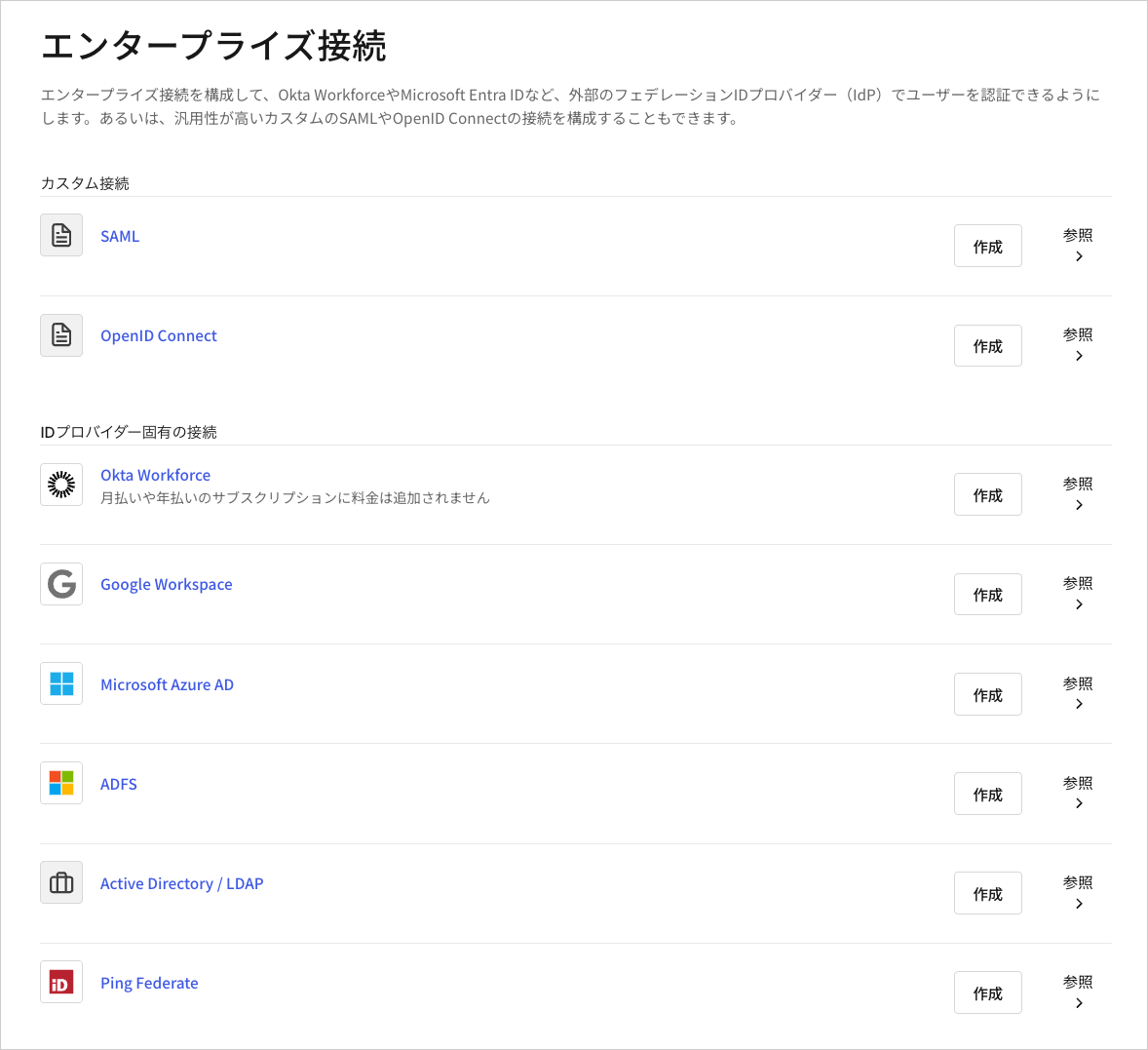
2. 表示する接続の名前を選択します。

   <Frame>
     <img src="https://mintcdn.com/docs-dev-feat-docs-5540/3pKeeUgtP8_Sk7Rr/docs/images/ja-jp/cdy7uua7fh8z/1sxfMEARFGmA6cPMlWkx3c/9dce9ae8209e6806ed4ba21c219e5e8c/Active_Directory___LDAP.png?fit=max&auto=format&n=3pKeeUgtP8_Sk7Rr&q=85&s=ccf94c7014af177d47b3a38c4f1f74cf" alt="Dashboard - 接続 -エンタープライズ - AD/LDAP - リスト" width="1313" height="329" data-path="docs/images/ja-jp/cdy7uua7fh8z/1sxfMEARFGmA6cPMlWkx3c/9dce9ae8209e6806ed4ba21c219e5e8c/Active_Directory___LDAP.png" />
   </Frame>

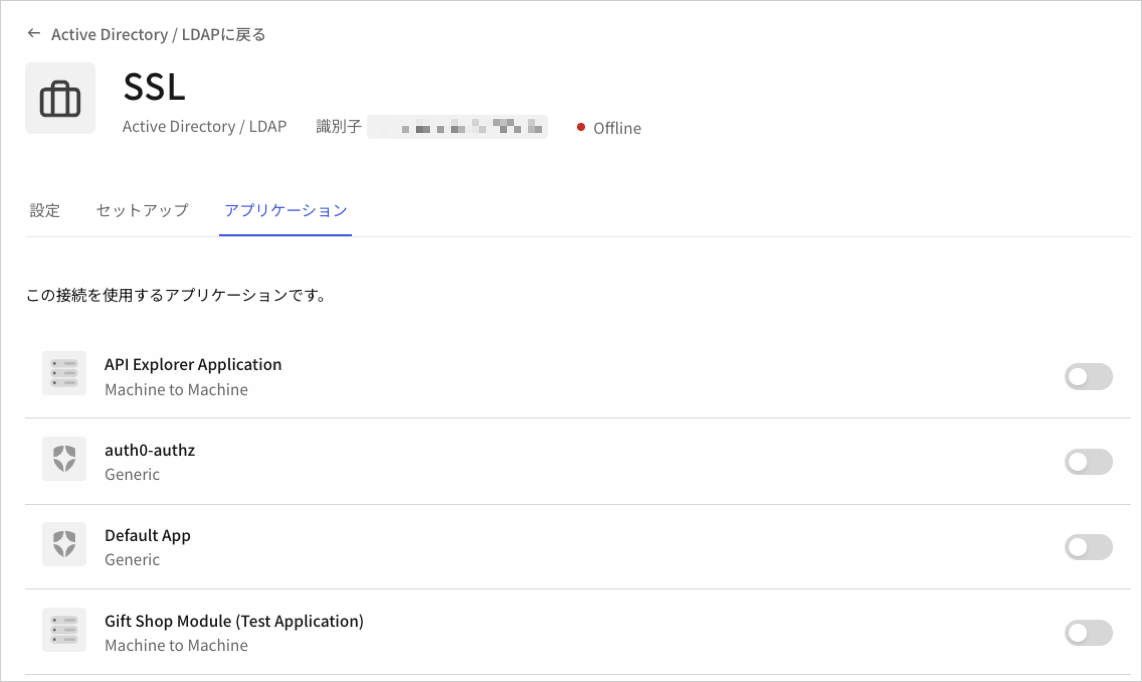
3. **［Applications（アプリケーション）］** ビューを選択して、適切なアプリケーションの接続を有効または無効にします。
   <Frame>
     <img src="https://mintcdn.com/docs-dev-feat-docs-5540/3pKeeUgtP8_Sk7Rr/docs/images/ja-jp/cdy7uua7fh8z/2Jwoyem76rmja1sveD88It/43e73d4b98f65b51483b72a99b43b495/SSL_-_JP.png?fit=max&auto=format&n=3pKeeUgtP8_Sk7Rr&q=85&s=9d74151f3a647abcdd371d2136815990" alt="Dashboard - 接続 - エンタープライズ - アプリケーション" width="1142" height="682" data-path="docs/images/ja-jp/cdy7uua7fh8z/2Jwoyem76rmja1sveD88It/43e73d4b98f65b51483b72a99b43b495/SSL_-_JP.png" />
   </Frame>

エンタープライズの<Tooltip data-tooltip-id="react-containers-DefinitionTooltip-2" href="/docs/ja-jp/glossary?term=idp" tip="IDプロバイダー（IdP）: デジタルIDを保存および管理するサービス。" cta="用語集の表示">IdP</Tooltip>接続をセットアップする際には、`connection`パラメーターがAuth0の`/authorize`や`/whr`、`/wsfed`エンドポイントに渡されると、データベースやActive Directoryを使って接続されていない **限り** 、アップストリームIdPにリダイレクトされることに留意してください。

## もっと詳しく

* [エンタープライズ接続をテストする](/docs/ja-jp/authenticate/identity-providers/enterprise-identity-providers/test-enterprise-connections)